Before you capture
Check that this Mac has the tools a capture needs, and open a project.
2 tasks, 4 questions answered.
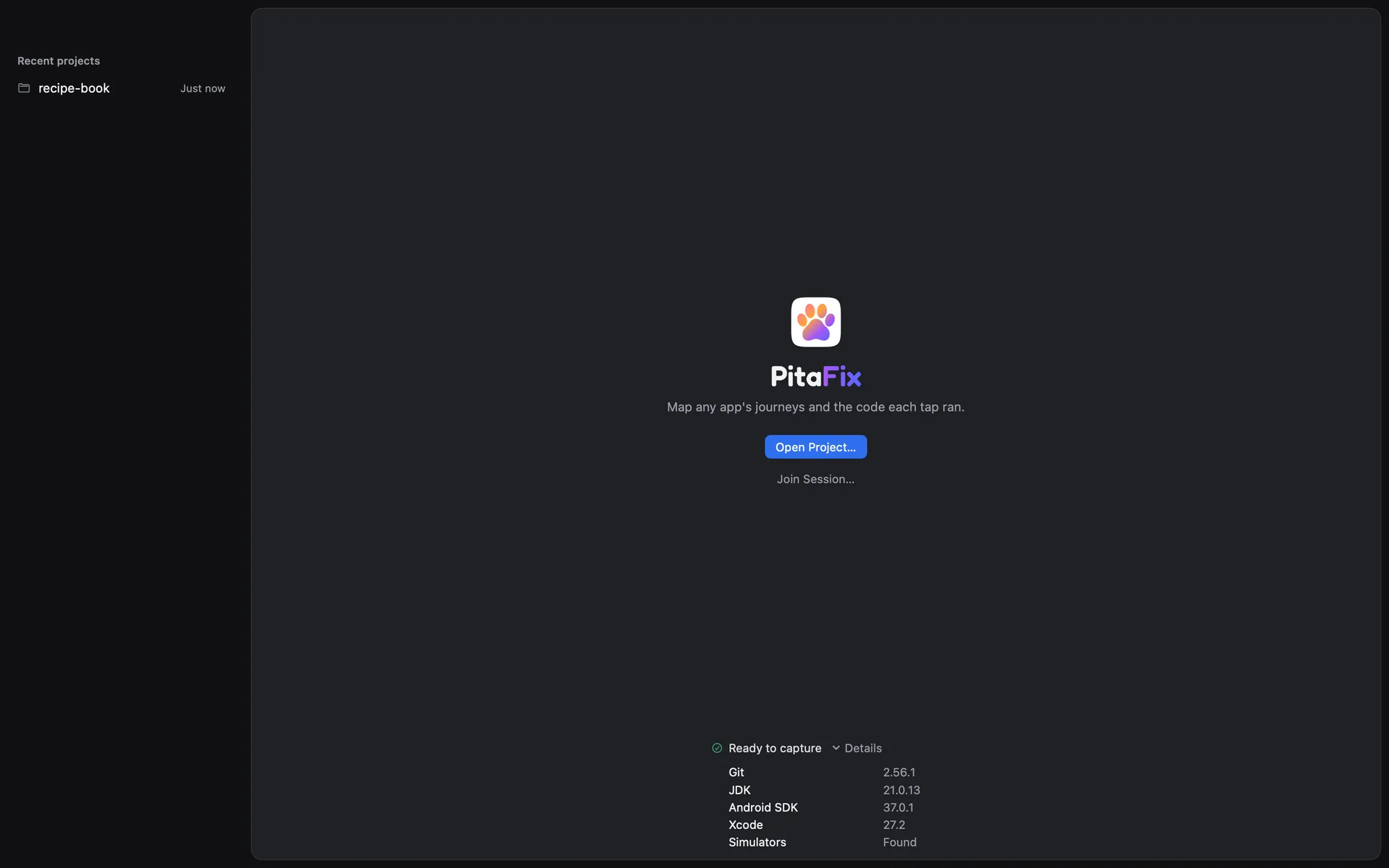
A capture builds your project, so it needs your project's toolchain.
- On the start page, read the line at the foot: Ready to capture, or what is missing.
- Click Details for each tool and its version: Git, JDK, Android SDK, Xcode, Simulators.
- In a terminal,
pitafix doctorlists the same checks with a fix for each one that fails.
Wrong turn? A tool you installed is not found? PitaFix reads your login shell's environment; make sure that shell finds the tool, then open PitaFix again.
doctor, requirements, JDK 21, Android SDK, Xcode, git, missing tool, not found, PATH, login shell
A project is a git repository; PitaFix keeps its map apart from it.
- Choose Open Project… (⌘O) and select the repository's folder.
- Later, click the project under Recent projects on the start page.
- File › Close Project takes you back to the start page.
Wrong turn? Opened the wrong folder? Close the project and open the right one; nothing was written to either.
open project, recent projects, close project, repository, folder, start page
How it works
What do I need to open a capture someone already made?
Nothing but PitaFix.
- A project you captured before opens from PitaFix's own data, with no core started.
- Making a new capture needs the project's toolchain. The core checks the tools it needs before it runs.
no toolchain, read only, old capture, open without building
Where do I download PitaFix?
From the download on the home page, a build for each system with what it needs.
- The Mac app is signed and notarized. The Windows installer is not signed yet, so Windows warns before it runs.
- There is no build for an Intel Mac or Linux yet.
install, download, DMG, Gatekeeper, unidentified developer, notarization, Apple silicon, Intel, Windows, installer, SmartScreen, unsigned, Linux, requirements
Where does PitaFix keep its files?
Outside your repository, in two folders of your Library.
- Project stores and captured artifacts live in
~/Library/Application Support/PitaFix. - Capture copies, where builds run, live in
~/Library/Caches/pitafix. - Writing a task adds files to the project's
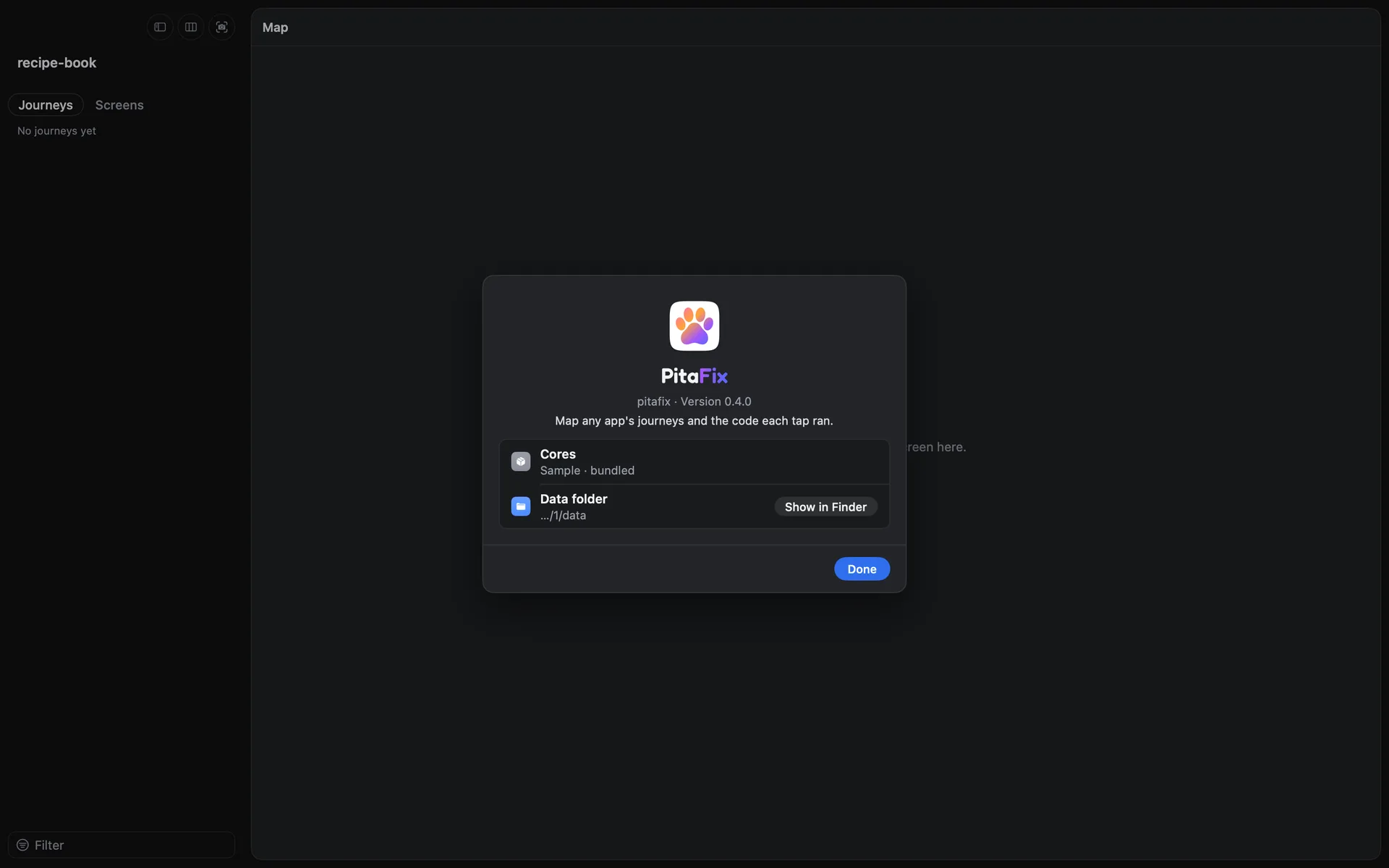
agents/tasksfolder, images included. Git shows them as untracked. - Show in Finder beside Data folder in About opens the first folder.
data folder, Application Support, cache, disk space, where are captures, untracked files, agents/tasks
What is Explore the Demo?
A build that bundles the demo shows Explore the Demo on the start page.
- It opens PitaFix's own map, drawn by a capture of itself, with the source each screen names.
- Opening it runs nothing. Capture, Tasks, comments, boards and Live are off in it.
- The demo is not one of your projects and never appears under Recent projects.
demo, sample, try without a project, example map