PitaFix in five minutes
PitaFix is a native Mac app that draws a UI project as a map of its journeys. This guide gives every task as a few steps, and answers why PitaFix behaves the way it does.
- PitaFixCapture a commit
PitaFix builds your project in a copy, walks its journeys and draws every screen it reaches on a map.
- PitaFixRead and comment
Select a screen to read the code its tap ran. Pin a comment where something is wrong.
- Your agentHand it to an agent
Give the comment to a coding agent. Its result comes back into the thread, and only you resolve it.
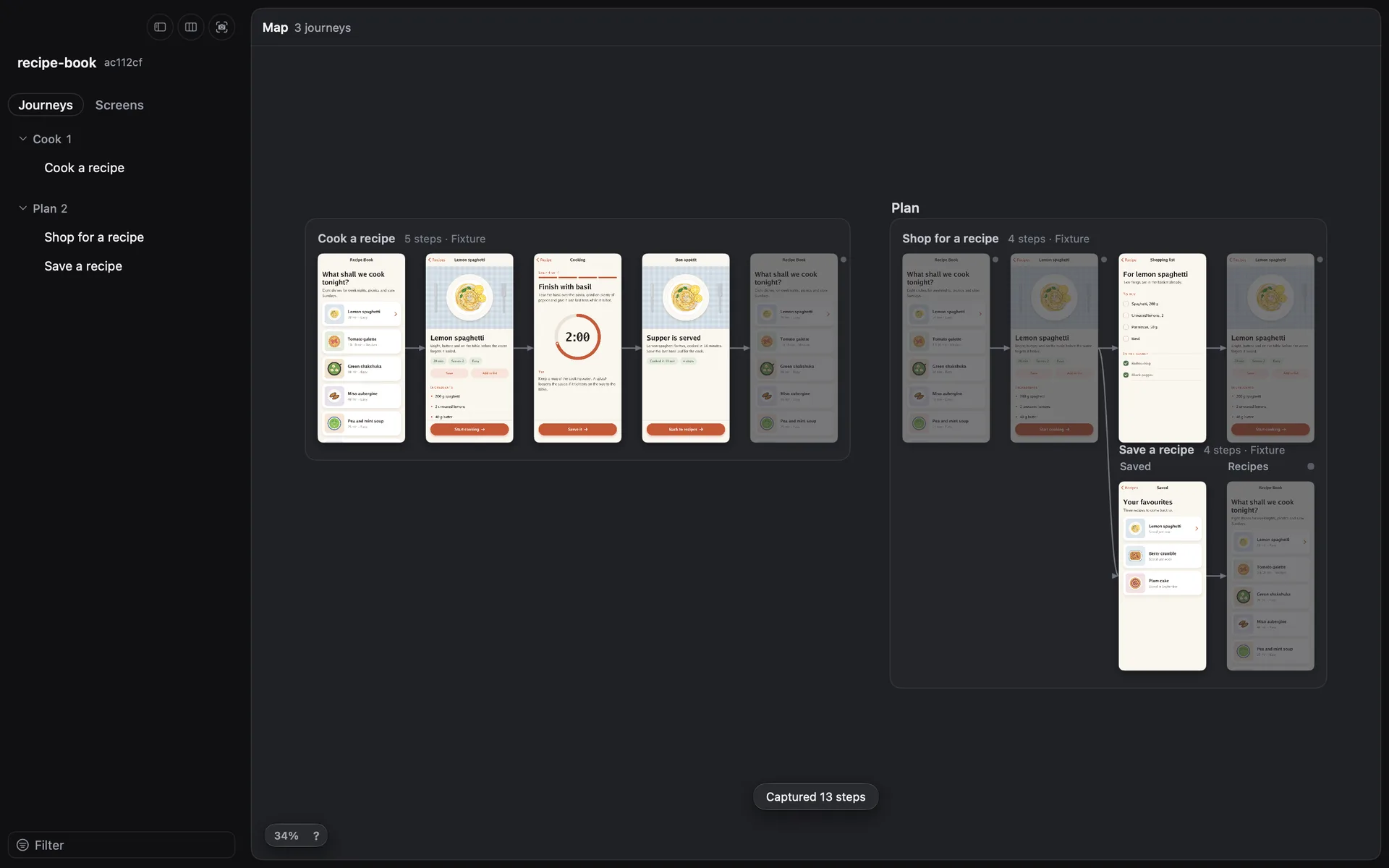
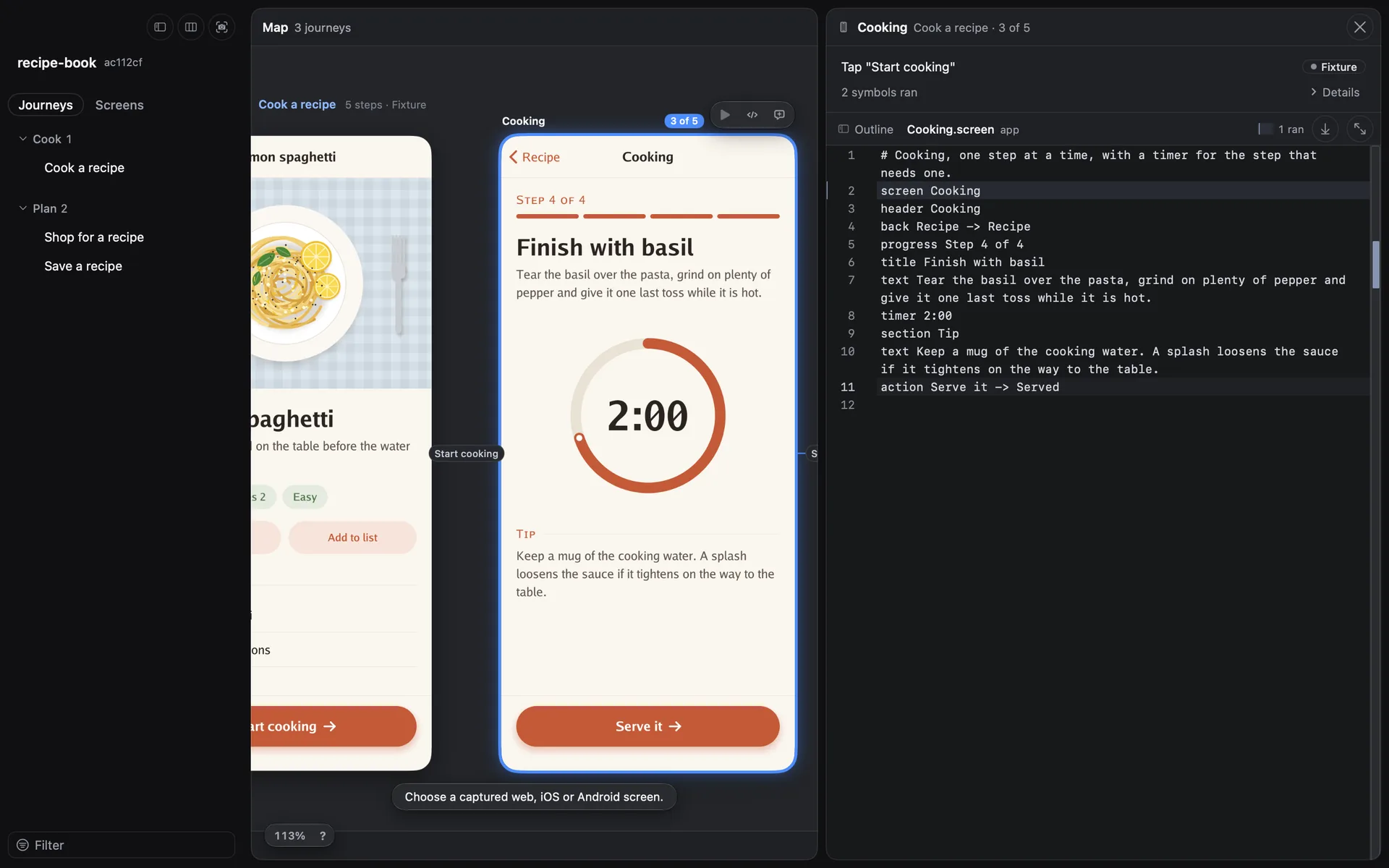
Every screenshot in this guide is PitaFix capturing itself, open on the small recipe book project it ships with.
Each task says why it matters, lists at most four steps, and ends with the way back when something went wrong.
Trust and Capture is the button you press. ⌘R is the key that does the same.
After its tasks, each page answers the why and when questions: what PitaFix runs, what it writes, and what it never touches.
Check the tools a capture needs · Capture a project for the first time · Find a journey or a screen
Read the code a tap ran · Open the line that drew a spot · Find the screens that run some code
Comment on a screen · Give a comment to an agent · Write a task file
Set a project up with an agent · Install a capture core · Check a rig from the command line