Boards
A page for the screens and notes you want together, apart from the map's own layout.
2 tasks, 2 questions answered.
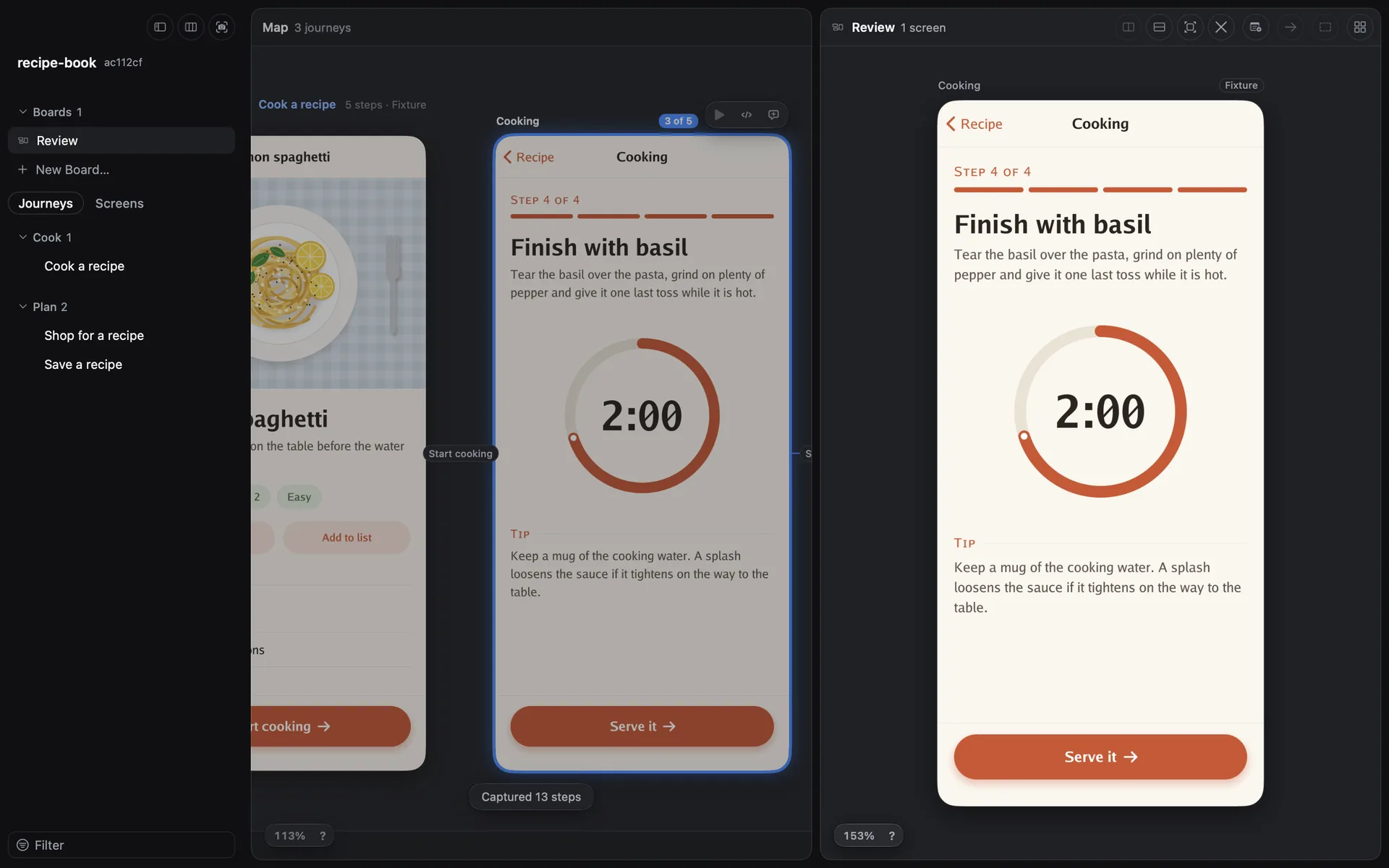
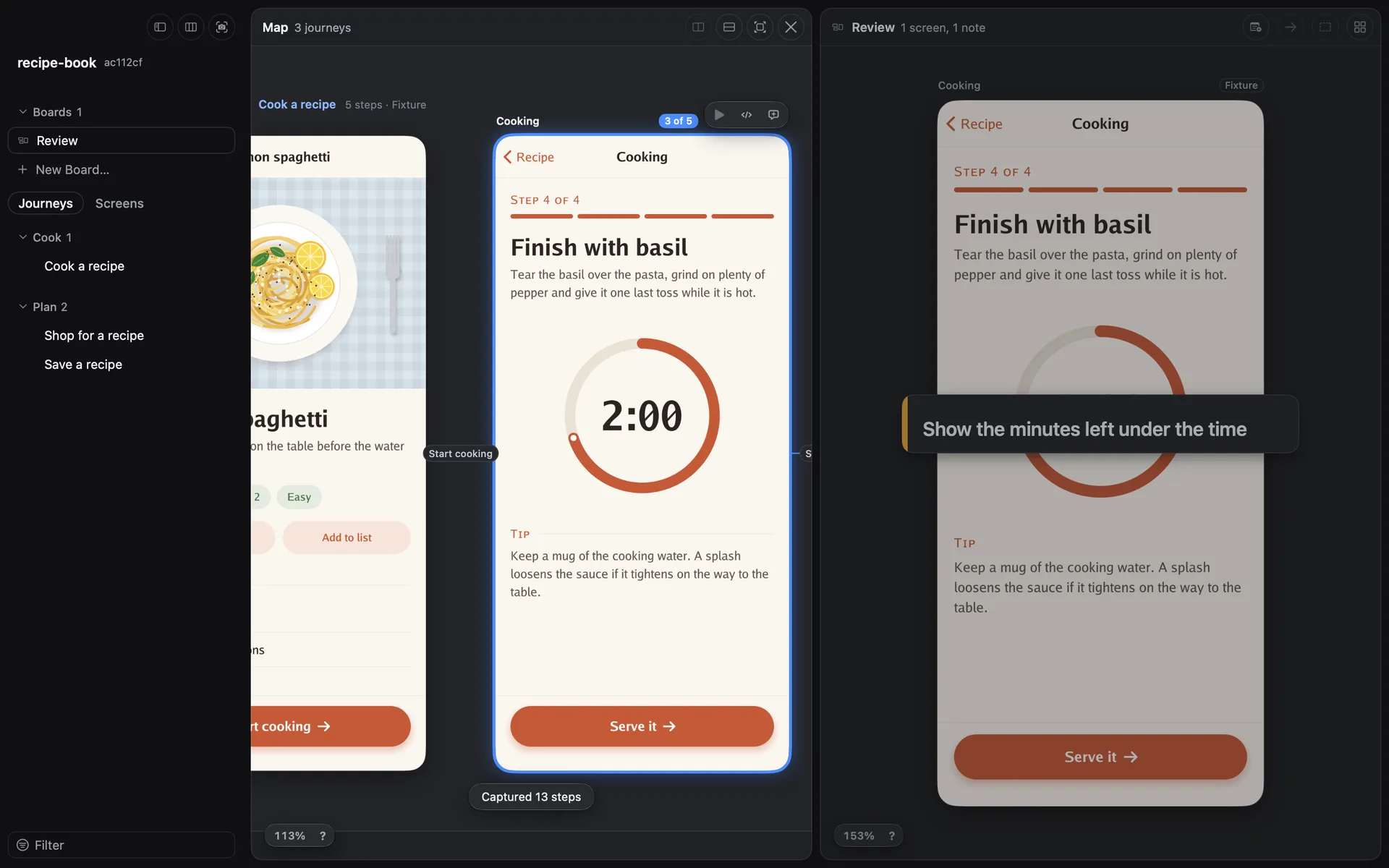
A board holds the screens of one review, one bug or one idea.
- Select a screen. ⇧-click adds more, and ⇧-drag from empty canvas takes a group.
- Choose Map › Board › New Board…, or right-click a screen for Add to Board.
- Name the board and press Create.
Wrong turn? Esc while you drag leaves the selection as it was, and a plain drag still pans.
board, new board, collect screens, review, moodboard, add to board, select several
A board says more than its screens once they are joined and named.
- Press Add Note in the board's header and write the note.
- Choose two items and press Connect to join them with an arrow.
- Choose several and press Group to put a section round them.
- Tidy lays the items out as a row, a grid or a flow.
Wrong turn? A comment on a board's screen is that screen's comment, on the map too; delete it like any other.
note, sticky, arrow, connect, group, section, tidy, layout, arrange
How it works
What happens to a board when I capture again?
It follows the capture.
- When a capture replaces a screen, the board shows the new picture.
- A screen no capture has any more stays as a card that says so.
- A board's screens have looks of their own that keep their places.
recapture, replaced, stale, updated picture, missing screen
Can an agent make a board?
Yes, and the board says so, as "by claude".
- You can change or delete it like any other.
- The agent can't delete a board, or anything you added to one.
agent, by claude, MCP, made by an agent, permissions