Comments
Pin a comment to a screen, give it a type and photos, and keep its links to the code as the code moves.
4 tasks, 3 questions answered.
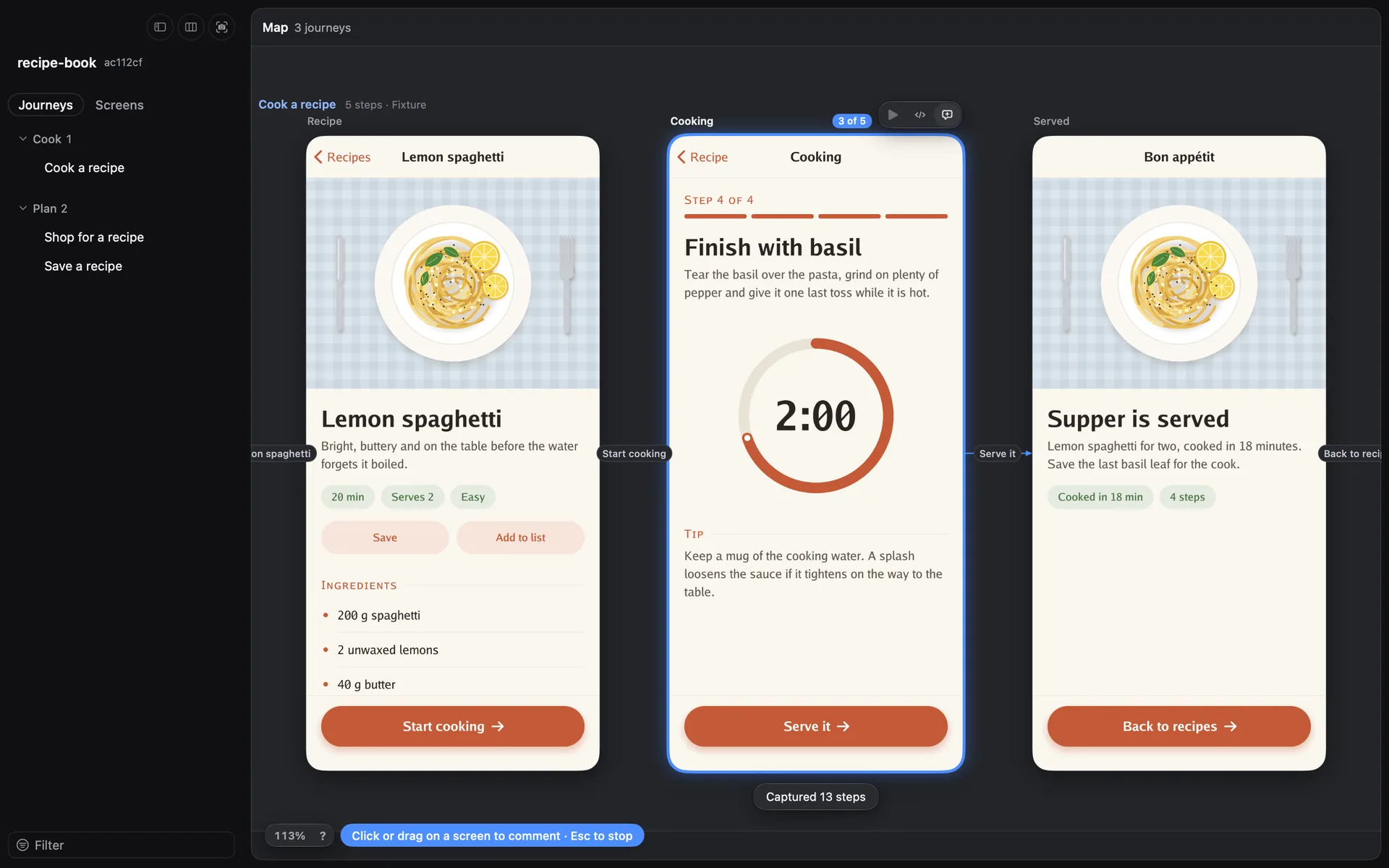
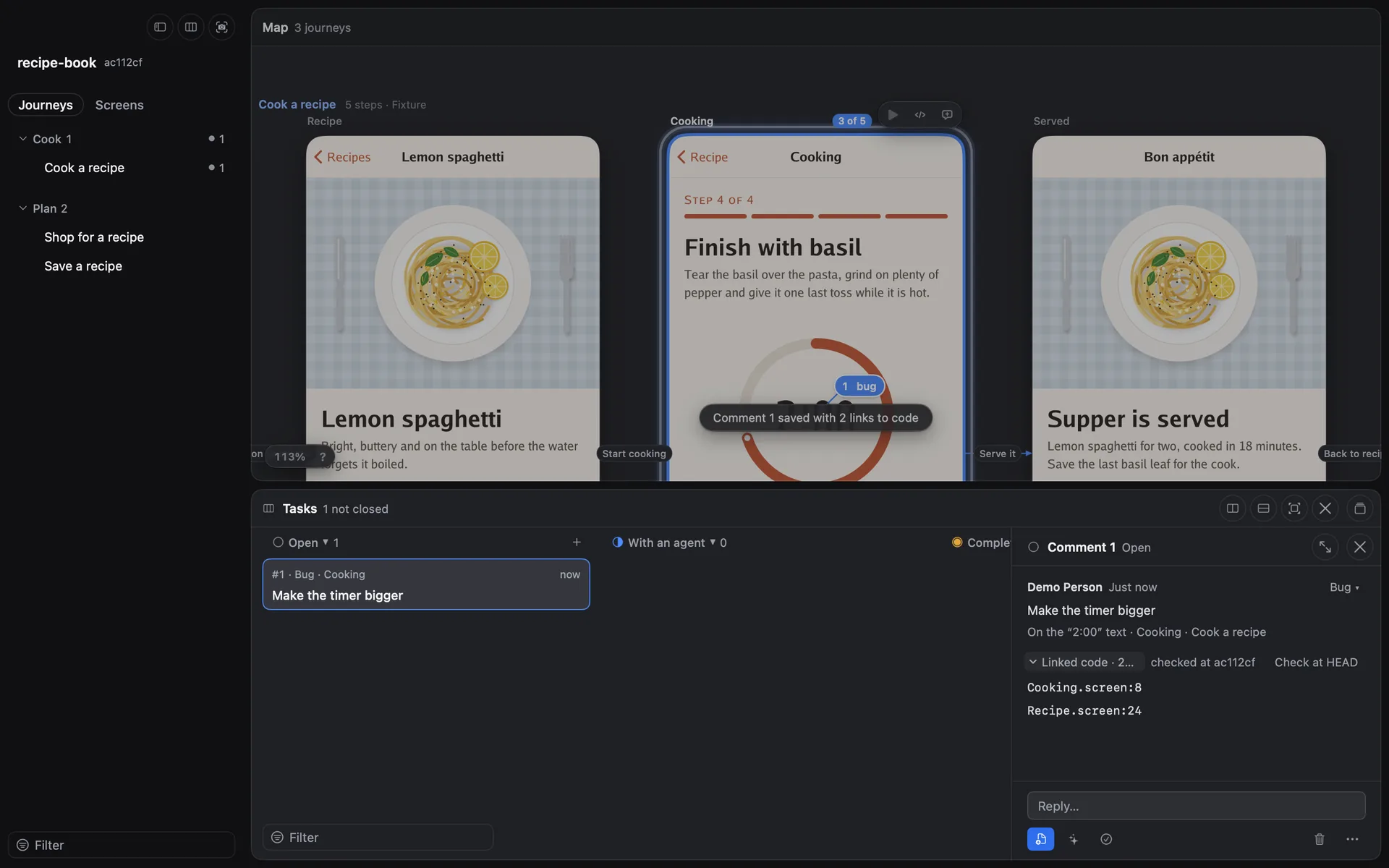
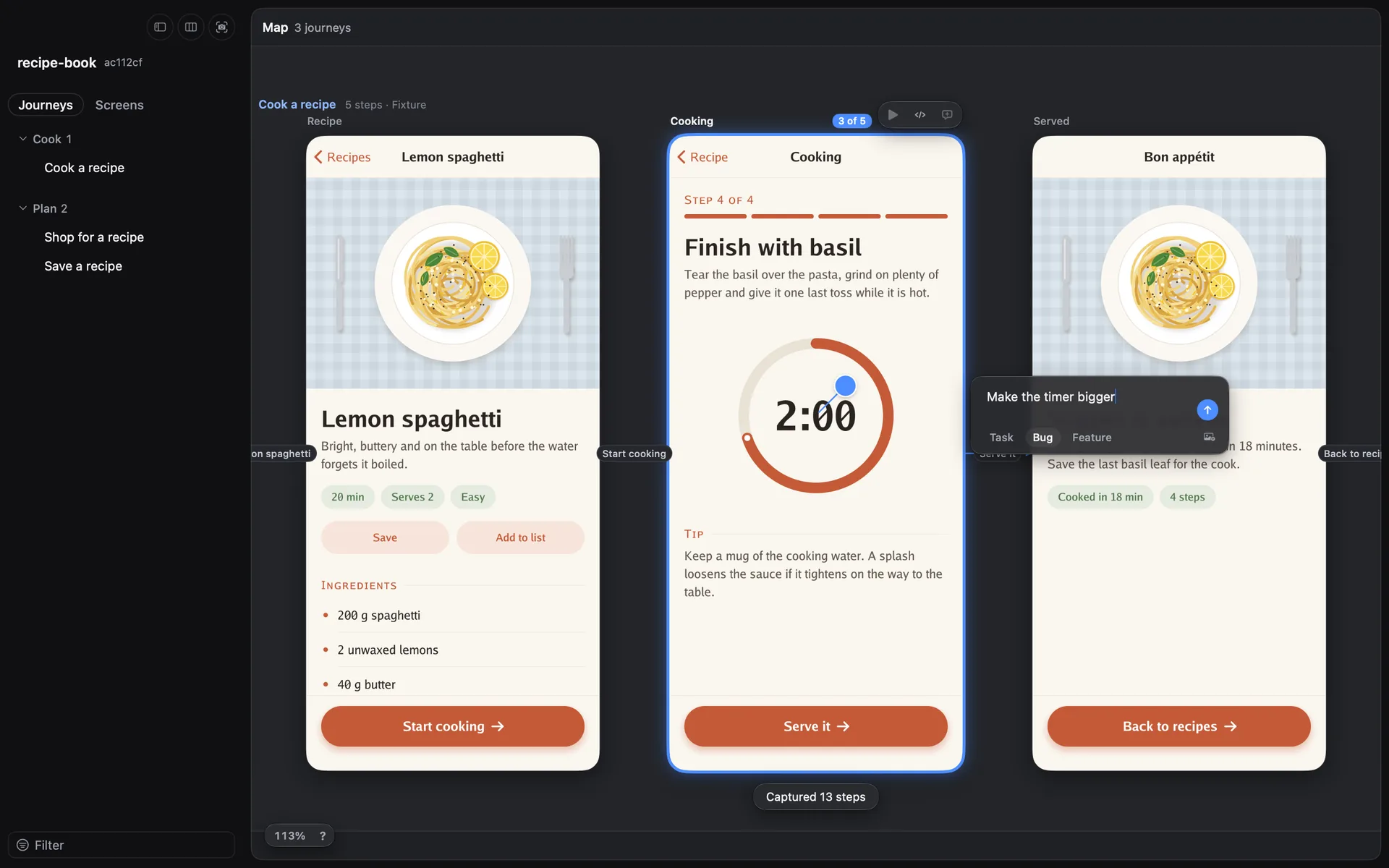
A comment is pinned to the spot it is about, and linked to the code under it.
- Press C, or choose Add Comment on a selected screen's title line.
- Click the spot, or drag across an area.
- Write the comment. Choose Task, Bug or Feature under the field, or leave all three alone.
- Press ⌘↵ to add it.
Wrong turn? Pinned to the wrong spot? Delete the comment and place it again; the other comments keep their numbers.
comment, pin, annotate, note, feedback, bug, feature, task, add comment, mark a screen
A mockup or a screenshot of another app says what words can't.
- In the comment's box, press the picture button at the end of the types row.
- Or drop files on the box, or paste a screenshot or copied files in its field.
- Each photo shows under the words with a × that takes it off.
Wrong turn? A photo was refused? A comment takes ten at most: PNG, JPEG, GIF or WebP, up to 20 MB each.
photo, image, attach, mockup, screenshot, paste, drag and drop, attachment
Code moves; a comment should still point at the right lines.
- Open the comment's thread and unfold Linked code.
- Read each link: its file and line, and whether it is in place.
- Press Check at HEAD to check every open comment against your checkout's HEAD.
Wrong turn? Not sure what changed? Check at HEAD says how many links it looked at and which it moved.
links, linked code, anchors, check at HEAD, moved, stale, orphaned, code changed
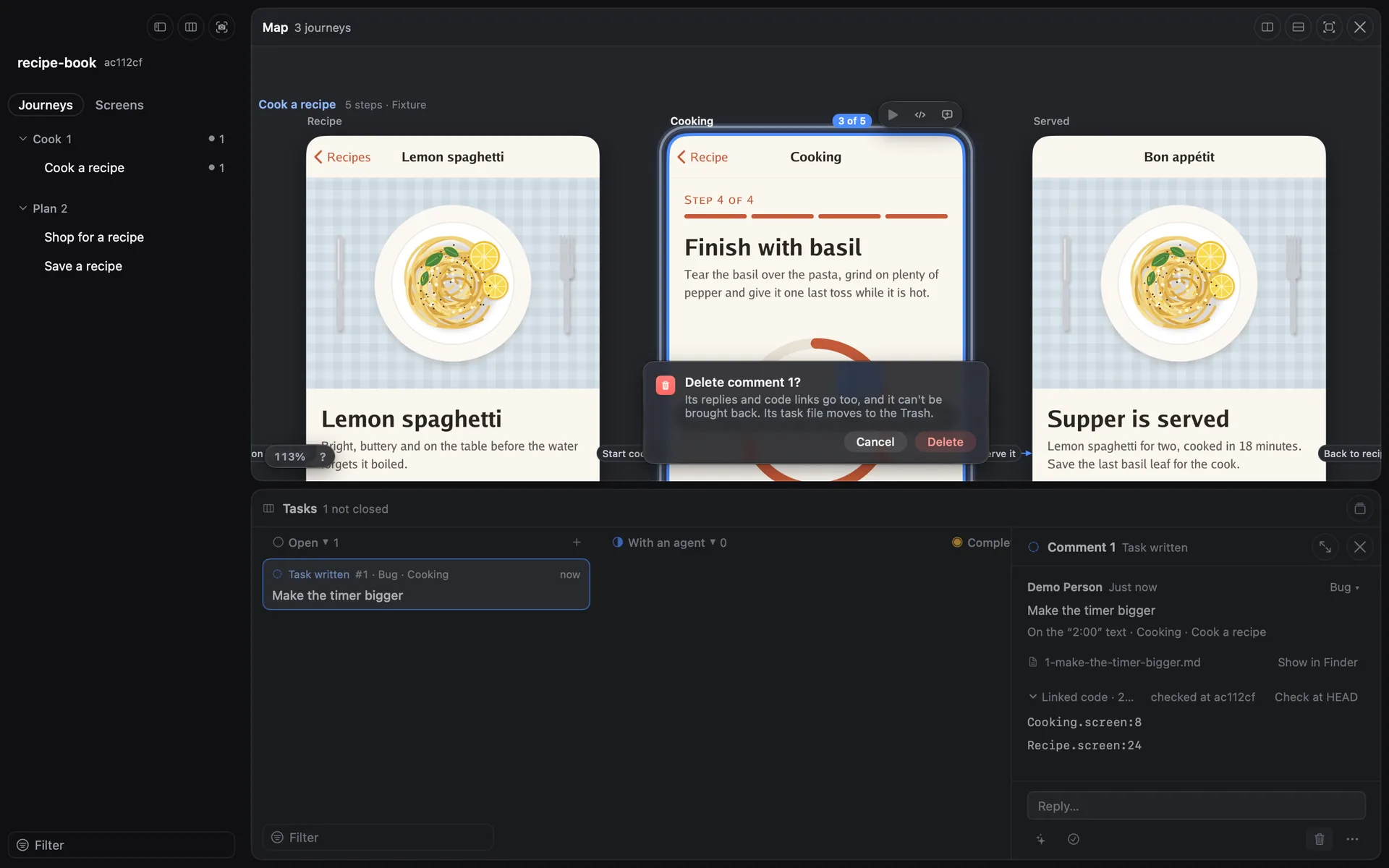
Dismissing keeps a comment under Closed; deleting removes it for good.
- To close it and keep it, choose Dismiss Comment in the thread's ⋯ menu.
- To delete it, press the bin at the right of the thread's footer, or ⌘⌫ on its card in Tasks.
- Press Delete when PitaFix asks.
Wrong turn? A deleted comment, its replies and its code links can't be brought back. Its task file is in the Trash.
delete comment, dismiss, remove, close a comment, trash, undo delete
How it works
What is a comment linked to?
The place on the screen, and the code behind it.
- A comment stores where its pin sits, and anchors to the code under it and to the handlers of the step that led there.
- When the code moves, PitaFix finds the links again, at the commit the map moves to.
- Each link says plainly whether it is anchored, moved, changed, stale or orphaned.
anchor, link, tree-sitter, moved code, how links work, handler
What does a comment's type change?
How it is labelled, for you and for the agent.
- The pin says the type after its number, as "29 bug", and so do its tip and its card in Tasks.
- To change it later, use the capsule at the end of the thread's first line, or Type in the card's menu; No Type takes it back.
- An agent reads the type in the task file and in its prompt's title.
type, bug, feature, task, label, change type, no type
Who can resolve a comment?
Only you.
- An agent can reply, and can mark its task done. The comment then waits for you.
- Resolve closes it. The store refuses a resolve from an agent.
resolve, close, done, agent cannot resolve, review, approve